



Dauntless support
Microsoft registry troubleshooting
This troubleshooting procedure refers to Microsoft article KB 181050 and its associated FixIt tool.
Review the Microsoft instructions and their applicability to your Windows version before proceeding. The original page illustrated the FixIt link as follows.
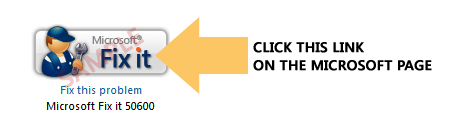
If you use the FixIt tool
Saving the .msi file does not apply the change. Follow Microsoft's instructions to run it and complete the wizard. Read any prompts and terms before continuing. The original instructions showed the following screens.
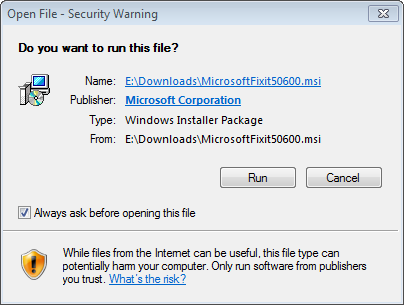
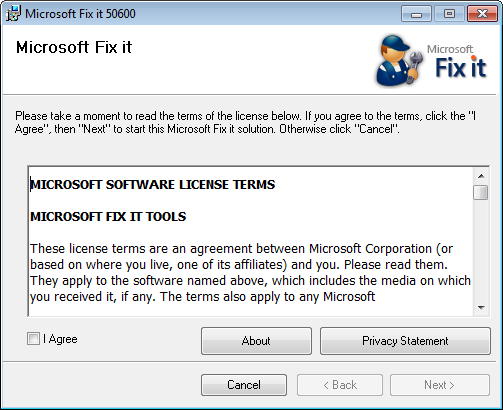
Restart the PC after applying the fix, then try activation again.
If activation still fails
Review the application's firewall, VPN, and security-software permissions. A security component can sometimes continue running after its main window has been closed.
* An Activation Code may also be called an Unlock Key, Unlock Keycode, Unlock Code, Keycode, Registration Code, License Key, or Serial Number. The label in your purchase email or software may vary.