



Dauntless support
Confirm your registration details
A purple confirmation message usually means that one more check is needed before activation can finish.
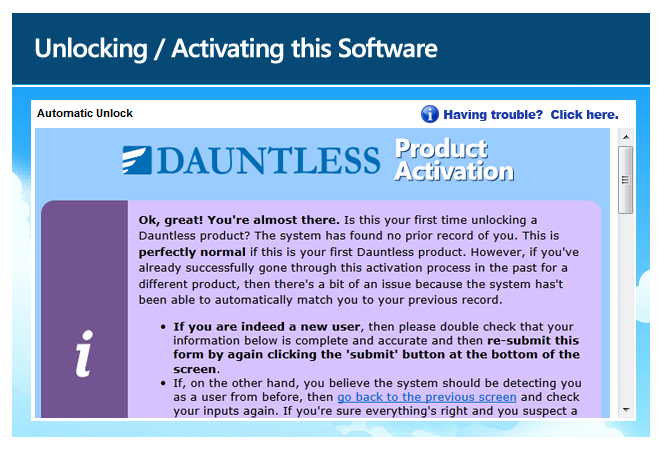
If this is your first Dauntless Windows activation
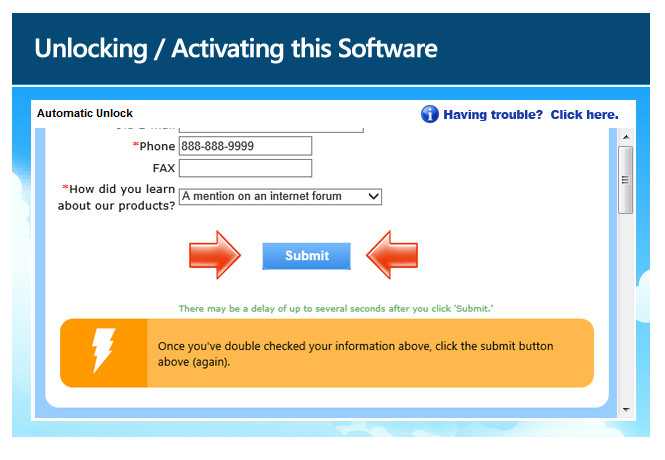
Review the information you entered. If it is correct, scroll down and select “submit” again.
If you have activated a Dauntless Windows product before
Check that your name and email address match your existing registration. If your email address has changed, use the “old email address” field and supply both your old and new addresses.
If you are unsure why the system is treating you as a new user, contact the helpdesk before continuing. Duplicate registration records can cause later account problems. If you must use the software immediately and create a second record, contact the helpdesk afterward so the records can be merged.
* An Activation Code may also be called an Unlock Key, Unlock Keycode, Unlock Code, Keycode, Registration Code, License Key, or Serial Number. The label in your purchase email or software may vary.